Email OTP Testing Tools for CI: A Practical Roundup
Practical roundup of approaches for email OTP and magic-link testing in CI — local SMTP, email-test APIs, and OTP-first disposable inboxes — and when each fits.
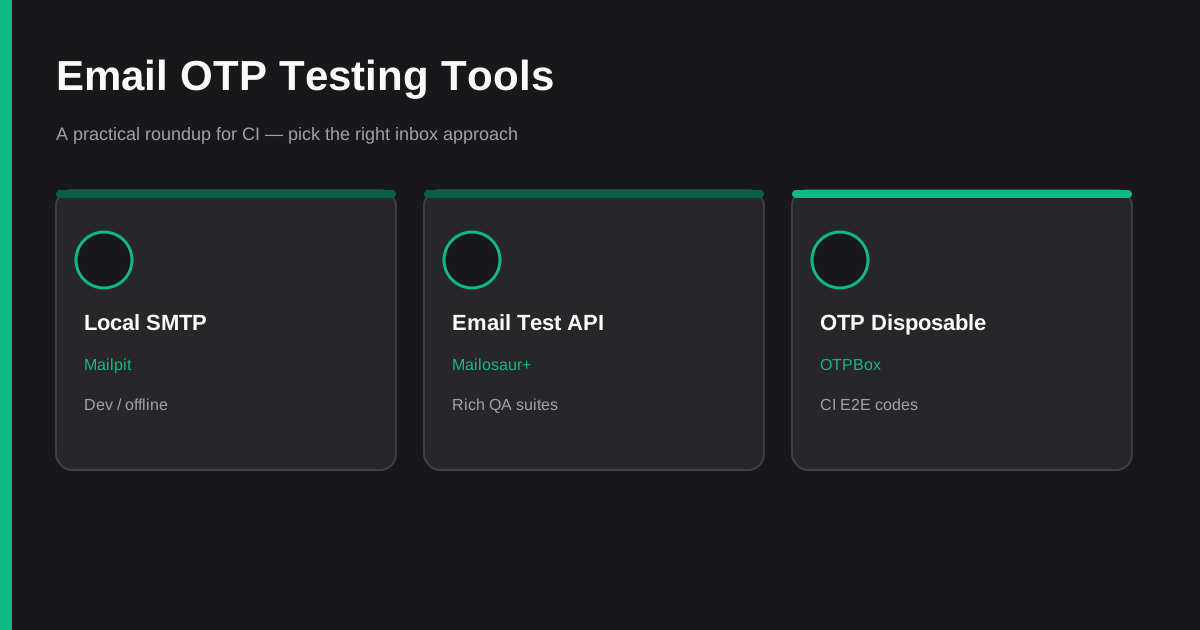
CI suites that exercise signup, password reset, or magic-link login all hit the same problem: the test needs a real inbox without sharing Gmail, racing parallel jobs, or inventing sleeps. The tools below solve that in different ways. This is a roundup of approaches, not a scored affiliate list — pick the fit for your stack, not a universal winner.
No invented market share or pricing. Features are described from public docs and from OTPBox's live API.
What every CI OTP setup needs
Regardless of vendor, reliable email verification tests share four requirements:
- Isolation — a unique address (or inbox) per test run so parallel jobs cannot steal each other's codes
- Async wait — poll or wait with a deadline, not a fixed
sleep 10 - Extraction — get a 4–8 digit code or magic link without brittle HTML scraping
- Debuggability — log the address so a failed job can be correlated with send logs
For the failure modes when those are missing, see 7 Mistakes That Make Email OTP Tests Flake in CI and the CI Email OTP Checklist.
1. Local SMTP catchers (Mailpit; MailHog as legacy)
What it is: Your app (or a test SMTP relay) delivers mail to a local catcher instead of the public internet. You read messages from a web UI or REST API on the same machine or Docker network.
Mailpit is the maintained default for new work. It is a small SMTP testing tool with a modern UI and a REST API, originally inspired by MailHog. Defaults are SMTP on port 1025 and the UI on 8025. See the Mailpit project and its API docs.
MailHog still appears in older Compose files and tutorials. It is largely unmaintained; Mailpit's maintainers explicitly position Mailpit as the successor. SMTP ports often match, but the HTTP APIs are not drop-in compatible — plan a small adapter if you migrate.
Best when:
- Local development and fast feedback loops
- Integration tests where you control the SMTP host in config
- CI jobs that already run Docker Compose and can start Mailpit as a service
Weak when:
- You need to prove real-world deliverability (SPF/DKIM, provider throttling)
- Parallel SaaS CI runners should not each own a long-lived SMTP sidecar
- You want built-in OTP/link extraction without parsing message bodies yourself
Pattern: point SMTP_HOST=mailpit (or similar) in test env → trigger the flow → GET /api/v1/messages → parse the latest body for a code. Fine for controlled environments; not a substitute for an end-to-end path through your production mail provider.
2. Dedicated email testing APIs
What it is: A hosted mailbox (often a private subdomain) plus an API your Playwright/Cypress job polls. Messages are real SMTP deliveries into that test domain.
Public walkthroughs from Mailinator's Playwright docs and Mailosaur's Playwright email guide describe the same shape:
- Mint a unique address for the run
- Trigger signup / OTP / password reset in the browser
- Wait or poll until the message arrives
- Read OTP codes or links from structured fields when the vendor provides them
Mailosaur's client libraries, for example, expose helpers that wait for a message and surface codes under fields such as html.codes / text.codes (see their API overview). Mailinator documents private domains for automation and warns against public shared inboxes for auth flows.
Best when:
- Mature QA suites that assert headers, HTML, links, and sometimes SMS
- Teams already standardized on a commercial email-test vendor
- You need rich wait helpers and SDK support across languages
Tradeoffs to plan for:
- API tokens or server IDs become CI secrets
- Paid plans are common for private domains and higher volume (check the vendor's current pricing yourself — we do not quote numbers here)
- Overkill if you only need "give me the six-digit code" for a thin E2E path
3. OTP-first disposable email (OTPBox)
What it is: Ephemeral inboxes aimed at verification codes and magic links, with a tiny REST surface for CI. OTPBox creates addresses on *@box.otpbox.app (product OTP mail — not the apex domain), extracts codes and common verification URLs, and expires inboxes after one hour.
From the live docs:
| Endpoint | Purpose | Rate notes |
|---|---|---|
POST /api/inbox |
Create inbox → email, token, expiresAt |
10 creates/hour per IP |
GET /api/inbox/:token |
Inbox + messages (newest first) | Poll freely |
GET /api/inbox/:token/latest |
Latest otp / link (or 404 if empty) |
Poll freely |
Create + poll example:
RESPONSE=$(curl -s -X POST https://otpbox.app/api/inbox)
TOKEN=$(echo "$RESPONSE" | jq -r '.token')
EMAIL=$(echo "$RESPONSE" | jq -r '.email')

# Trigger your app to send to $EMAIL, then:
for i in $(seq 1 10); do
  RESPONSE=$(curl -s "https://otpbox.app/api/inbox/${TOKEN}/latest")
  OTP=$(echo "$RESPONSE" | jq -r '.otp // empty')
  if [ -n "$OTP" ] && [ "$OTP" != "null" ]; then
    echo "OTP: $OTP"
    break
  fi
  sleep 3
done
Playwright-shaped poll:
async function waitForOtp(token, { attempts = 10, delayMs = 3000 } = {}) {
  for (let i = 0; i < attempts; i++) {
    const res = await fetch(`https://otpbox.app/api/inbox/${token}/latest`);
    if (res.ok) {
      const data = await res.json();
      if (data.otp || data.link) return data;
    }
    await new Promise((r) => setTimeout(r, delayMs));
  }
  throw new Error("Timeout waiting for OTP or magic link");
}
Create the inbox once per test, then poll. Creating inside the loop burns the create quota; polling does not. Details and GitHub Actions wiring live in How to Test Email OTP Verification in CI and Disposable Email for CI OTP Testing.
Best when:
- CI E2E that only needs codes or magic links
- Parallel jobs that each need an isolated address without managing SMTP
- Free, rate-limited API access with no SDK required
Weak when:
- You need deep MIME inspection, spam scoring, or SMS in the same tool
- Local-only workflows where spinning Mailpit is simpler than hitting the network
Try a manual inbox on the home page, then automate with the API docs.
4. Public temp-mail and shared inboxes
Public temporary-mail sites and shared team Gmail accounts look convenient and fail in CI for predictable reasons: no per-test isolation, races on "latest message," and no safe place for authentication secrets.
Use them for casual privacy experiments if you must — not for signup or 2FA automation. Longer comparison: Disposable Email vs Temp Mail for Verification Codes. For magic links specifically, see Magic Link Testing Without Polluting Real Inboxes.
Decision matrix (qualitative)
| Need | Local Mailpit | Email-test API | OTPBox | Public temp-mail |
|---|---|---|---|---|
| Per-test isolation | Yes, if you name/filter well | Yes (unique address) | Yes (new inbox) | No |
| Built-in OTP/link extract | Usually DIY | Often yes | Yes (otp / link) |
No |
| Secrets in CI | Usually none | API key / server id | None for free create | N/A |
| Parallel CI jobs | Needs a service per job or shared with care | Strong | Strong | Poor |
| Real public SMTP path | No (captured locally) | Yes | Yes | Yes |
| Best when | Local / Compose | Rich QA assertions | Thin CI OTP/E2E | Almost never for auth |
How to choose in one sentence
- Developing on a laptop → Mailpit (or equivalent local SMTP).
- Enterprise QA with deep email assertions → a dedicated email-testing API.
- CI that just needs the code or magic link → OTP-first disposable mail such as OTPBox.
- Shared public temp-mail → skip for authentication tests.
Related reading
- Email OTP Testing FAQ — isolation, polling, rate limits, local vs cloud
- CI Email OTP Checklist — ten steps that kill flaky verification tests
- 7 Mistakes That Make Email OTP Tests Flake in CI — shared inboxes, fixed sleeps, scraping
Resources
- OTPBox — create a disposable inbox
- OTPBox API —
POST /api/inboxand/latest - Mailpit — maintained local SMTP catcher
- Mailosaur API — hosted email/SMS test API
- Mailinator Playwright docs — private-domain automation pattern
Email OTP in CI is solved when isolation, polling, and extraction are deliberate. Match the tool to the job: local catcher for offline speed, a full email-test platform when you need depth, and an OTP-first disposable inbox when CI only needs the code.